Putting an AI coworker on every web page
How I built the Chrome extension behind Atomicwork's Universal AI Coworker, the browser problems that nearly stopped it, and what I learned from working with eight people at once.
What we built
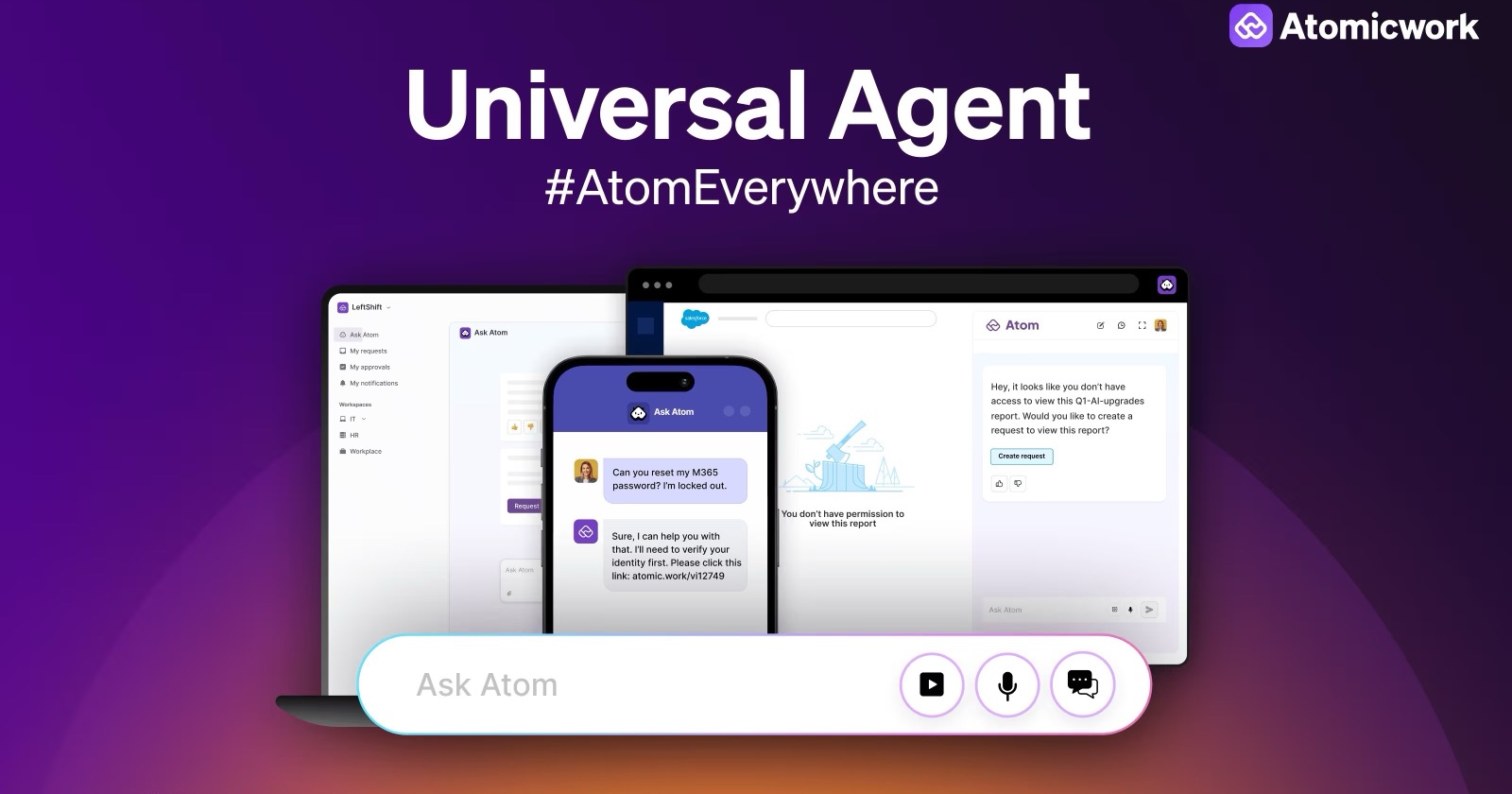
Atomicwork makes a service management platform, and Atom is its AI assistant. The idea behind the Universal Agent was simple. People shouldn't have to leave what they're doing to ask for help. If you're stuck on a Salesforce report you can't open, Atom should be right there on that page, already knowing what you're looking at.
So the product had to do a few things inside the browser:
- Chat with Atom from any website.
- Read the page you're on, so the answers fit what you're doing.
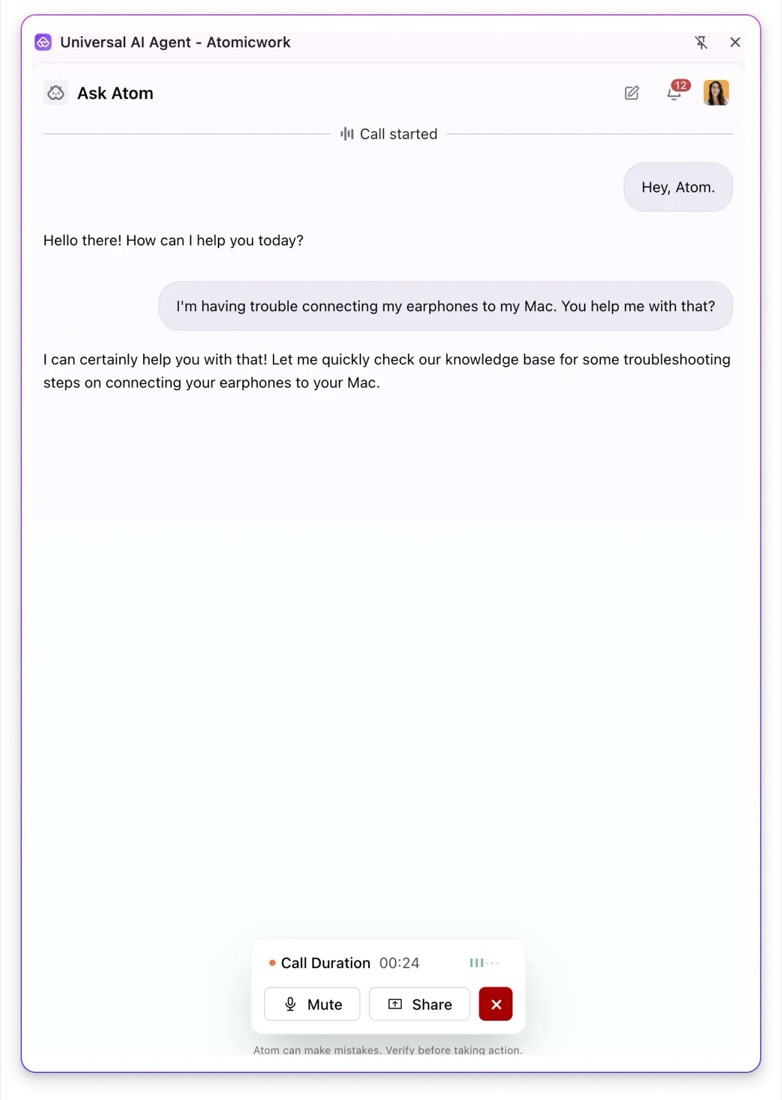
- Talk to it, like a phone call.
- Share your screen, so it can see the problem and walk you through it.
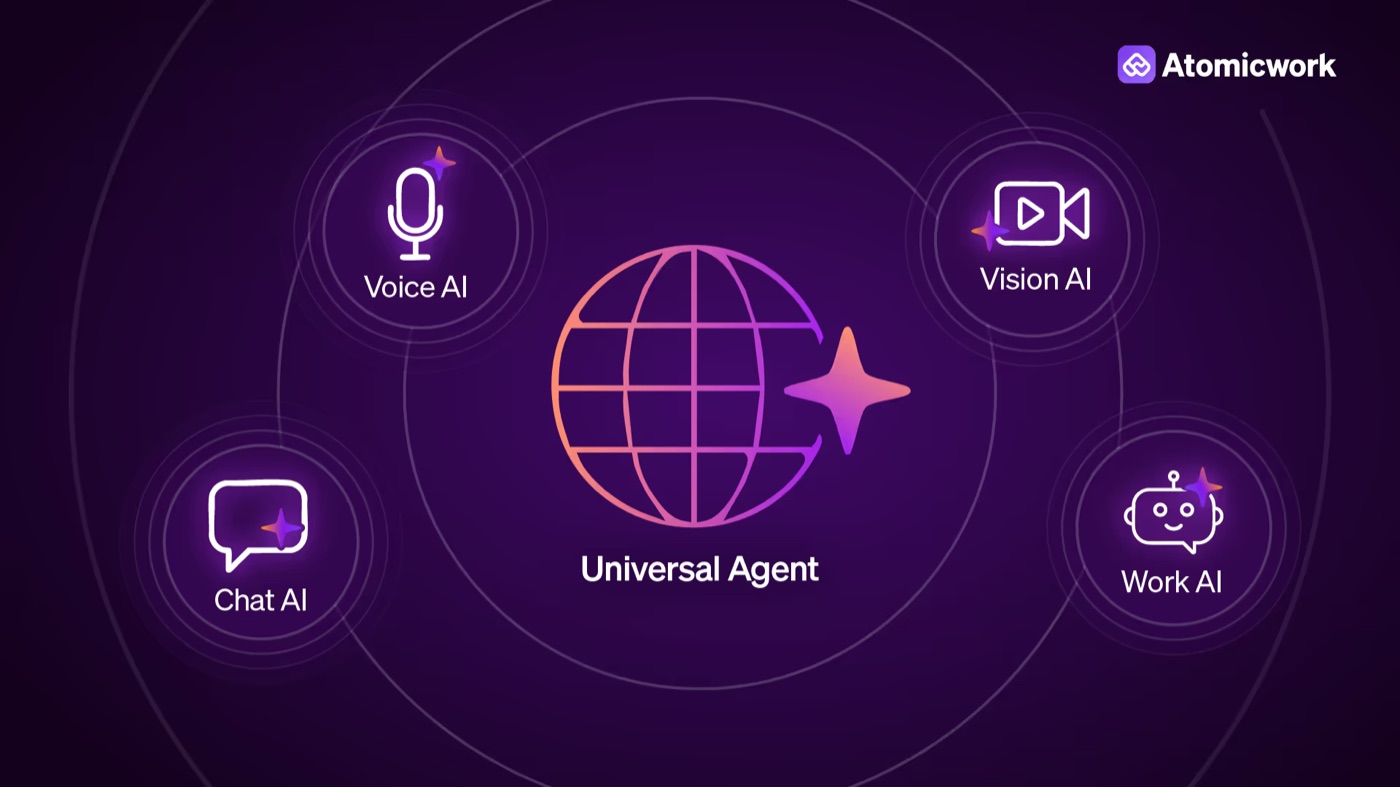
I owned the extension, which is the part people actually install and use. The voice agent, the knowledge search and the rest of the backend were built by Atomicwork's backend and AI teams. My job was to make all of that feel like one thing that lives in your browser.
The hard parts were mostly Chrome
On a normal website, voice calls and screen sharing are pretty well solved. Inside a Chrome extension, almost every step had a catch.
LiveKit had to live inside the package
We used LiveKit for the realtime voice and video. On a website, you'd just install the SDK and import it. Chrome extensions don't really let you do that. Under Manifest V3, an extension can't load code from anywhere else, so no CDN and no remote scripts. Everything it runs has to ship inside the package.
So I took the whole LiveKit client library, compressed it and bundled it into the extension. That sounds like one line in a build config. In practice it meant a lot of checking that nothing in the library tried to load something at runtime, and keeping the package small enough that the extension still felt quick.
Getting context from the page
A coworker that can't see your screen isn't much of a coworker. The extension had to read the page you're on, things like the URL and the visible text, and send just enough of it with each question. Too little, and Atom gives generic answers. Too much, and it's slow and you're sending things you shouldn't. A lot of my time went into finding that middle ground with the AI team.
Chrome only shares a screen from a real tab
This one surprised me. You'd think an extension could just ask for a screen share from its own panel. But Chrome wouldn't let us start the share from inside the extension's own panel the way we needed. It wanted a proper tab.
So when you hit "Share", the extension opened a separate small tab whose only job was to ask for the share. It works, but it's a bit awkward. You suddenly have an extra tab, and we had to make that feel intentional rather than broken.
The extension couldn't see its own screen share
Then the next problem showed up. The share now lived in that separate tab, and Chrome's permissions keep tabs and the extension pretty separate. The extension couldn't reliably tell that a share had started, let alone get hold of it.
The fix was a reverse proxy in the middle, something both the share tab and the extension could reach. The share went out through it to LiveKit, and the extension could follow what was going on through the same path. It's not the kind of thing you plan for on day one. You find it after a few days of "why can't this see that?"
Working with eight people at once
I wasn't on the backend team, but almost everything I built depended on them. So I spent a lot of my time going back and forth between people:
- Vijay Rayapati, Atomicwork's CEO
- the product head and the product manager
- the product designer
- the frontend lead
- the backend lead, the backend AI lead and an AI engineer
Each of them cared about something different. The CEO cared about how it felt in a demo. Product cared about scope and timelines. Design cared about how a tiny panel could hold chat, voice and a screen share. The backend and AI folks cared about what data I sent, and when. All of those were fair, and they often pulled in different directions.
What made it hard wasn't anyone being difficult. It was that everyone had a slightly different picture of the same feature. A few things helped me:
- Show, don't describe. A rough demo on a call cleared things up faster than a long thread ever did.
- Write the contract down. For anything that crossed into the backend, like what an event looks like or what context we send, I wrote it down first and got both sides to agree. It saved us from finding mismatches much later.
- Bring problems early, with options. When Chrome blocked something, I didn't just say "this doesn't work". I'd come with two or three ways around it and what each one would cost. People decide much faster that way.
- Speak each person's language. The same change sounded different to the CEO, the designer and the backend lead. Learning to explain it in their terms was probably the most useful thing I picked up.
What it opened up
The extension went from a proof of concept to something Atomicwork launched to customers, with voice and vision in beta. It became one of the things they lead with when they talk about Atom.
For me, it opened a few doors. I got comfortable with realtime voice and video, which I've kept using since. I learned how much of browser work is about permissions rather than code. And I learned how to be the person in the middle of a lot of people, which honestly turned out to be the bigger skill of the two.